QuEQ
Loading price
Loading product license details.
StatusLoading
FormatsDesktop plugin formats
Trial28 days
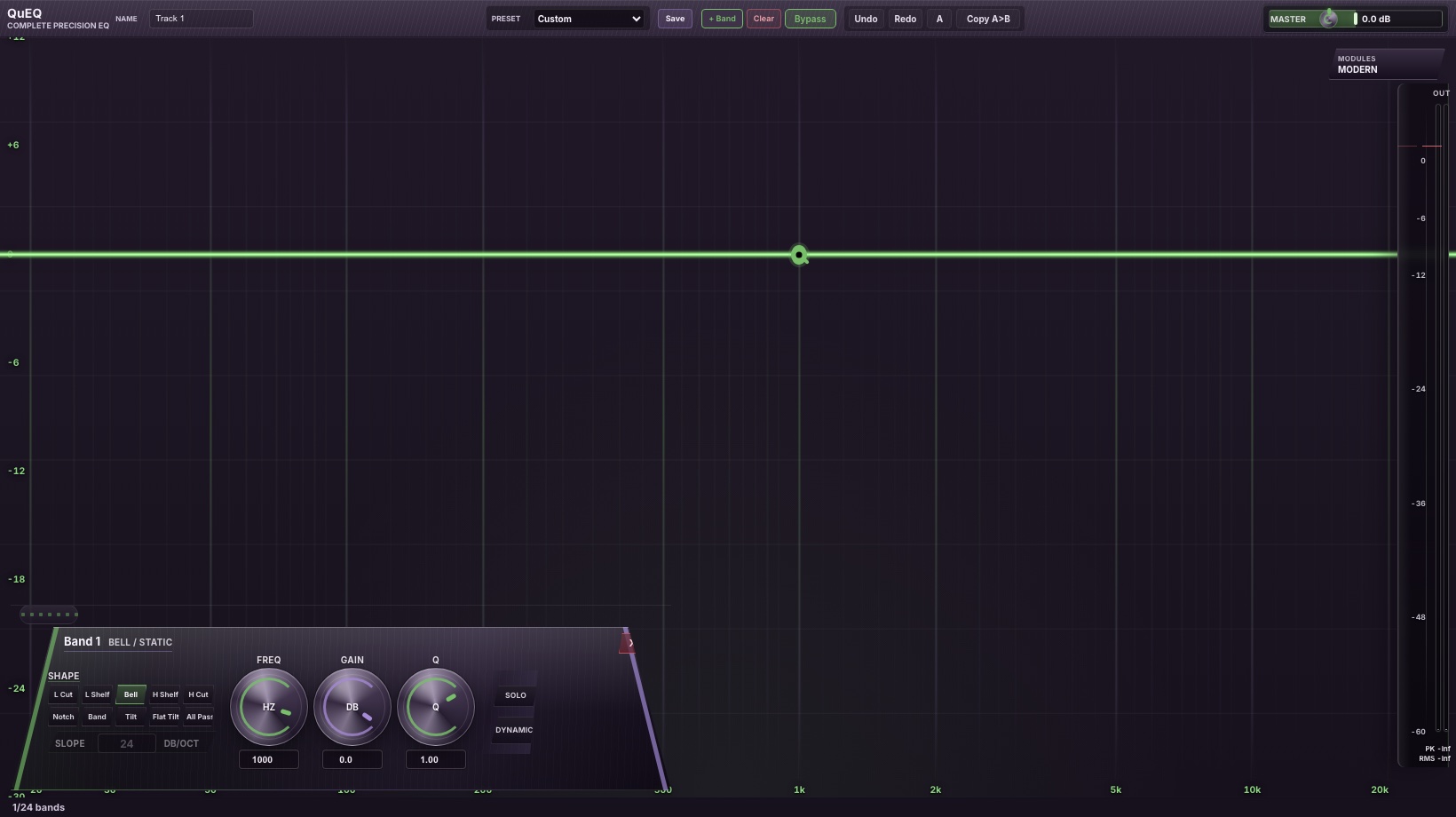
Shape the curve, then make individual bands dynamic, stereo, mid-side, mono, or channel-targeted where the source needs more than static gain.
Loading product license details.
Pull a detected peak by the musical amount you intend, preserving relative movement instead of snapping the band to a click point.
Use the analyzer and yanQ interaction to turn real spectral peaks into narrow corrective EQ moves.
Turn individual bands into level-sensitive processors with direct threshold and range control where the mix needs movement instead of static EQ.
Pre/post views, freeze, speed, resolution, and output metering keep the spectrum tied to the signal being measured.
Target full stereo, left, right, mid, side, mono, and VST3 immersive channel layouts in supported hosts and formats.
Host automation targets band frequency, gain, Q, dynamic range, threshold, and channel target.
Build broad tone shaping, narrow cleanup cuts, shelves, filters, and corrective moves from the same editor surface.
Spectral correction preserves the intended movement of a selected peak instead of jumping the band to an accidental pointer position.
Turn a normal EQ move into level-sensitive control when a frequency only needs treatment at certain moments.
Use the analyzer as an editing surface for peak finding, spectrum-aware correction, pre/post views, and visual confirmation.
Apply bands to stereo, mid, side, or VST3 immersive targets from band controls in supported hosts and formats.
EQ shapes and dynamic settings can be stored together for repeatable corrective setups.
Built for sustained real-time processing, dense automation, bypass switching, and parameter recall.
Authorization state is separate from audio state, so saved parameters and bypass state remain intact.
Stripe-hosted checkout opens when sales begin. After purchase, the QuosineDSP profile provides purchase status, downloads, license files, and activation.